OneWalmart Login – Walmart Wire Associate Login Guide
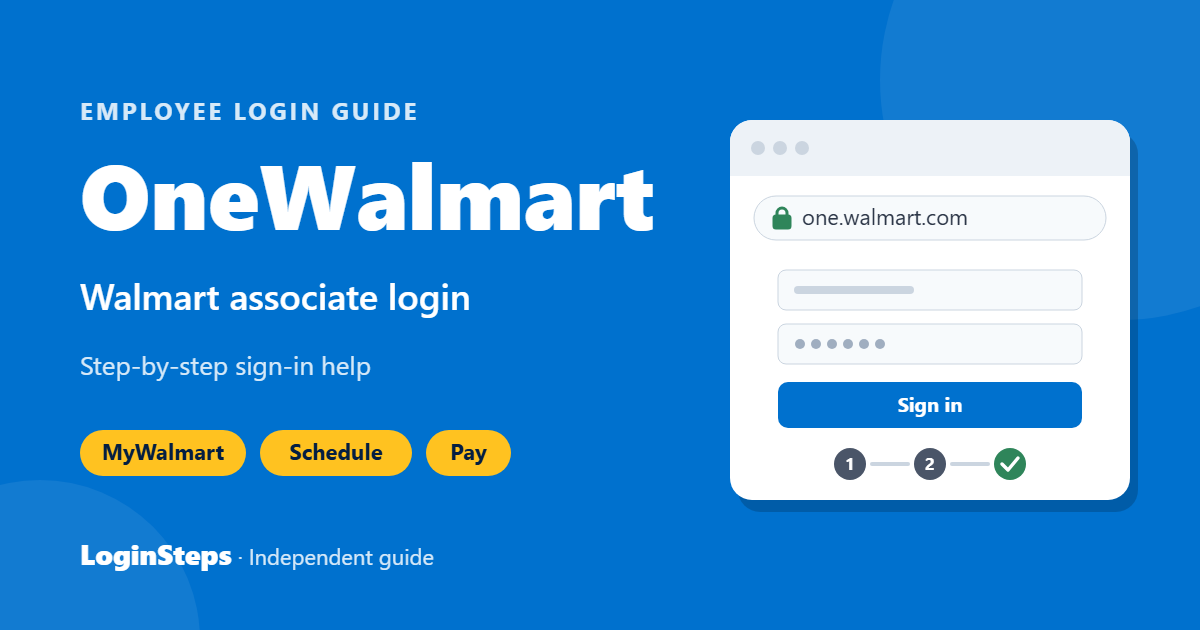
OneWalmart is the official online portal for Walmart associates. It replaced the older WalmartOne site, and many associates still call it “Walmart Wire” or “One Walmart Wire.” From OneWalmart you can find your W-2, look up your WIN, read company news and reach benefits resources.
For day-to-day tasks like checking your schedule, clocking in and viewing pay, most associates now use the MyWalmart app. This guide covers both, step by step.
OneWalmart Login – Quick Information
| Official website | one.walmart.com |
| Mobile app | MyWalmart (Android & iOS) |
| Login ID | Your Walmart user ID and password |
| Security | 2-Step Verification (2SV) required |
| People Services | 1-800-421-1362 |
| Used by | Walmart and Sam’s Club associates in the U.S. |
Get the official app – MyWalmart (formerly Me@Walmart): App Store · Google Play
What You Need to Log In
- Your Walmart user ID and password
- 2-Step Verification set up on your account
- A phone, tablet or computer with internet access
- The official address: one.walmart.com
Note: Walmart requires 2-Step Verification (2SV) to access OneWalmart, and you must be at a Walmart location to register for 2SV. Set it up during a shift so you can log in from home later.
How to Log In to OneWalmart (Walmart Wire)

- Open your browser and go to one.walmart.com.
- Click Sign in.
- Enter your Walmart user ID and password.
- Complete the 2-Step Verification prompt on your phone.
- You will land on the OneWalmart homepage, where you can reach pay, benefits and W-2 links.
Some pages give you the full experience only while you are on the clock. If a page looks limited from home, try again during your shift.
How to Use the MyWalmart App
MyWalmart (formerly Me@Walmart) is Walmart’s main app for associates. Use it to check your schedule, clock in and out, request time off, and view pay information.
- Download MyWalmart from the Google Play Store or Apple App Store (check that the publisher is Walmart).
- Open the app and sign in with your Walmart user ID and password.
- Complete 2-Step Verification if asked.
- Tap Schedule to see upcoming shifts, or My Money for pay details.
How to Find Your WIN (Walmart Identification Number)
Your WIN is needed for many HR tasks. OneWalmart has a WIN Lookup tool, and your WIN also appears on your pay stub. If you still can’t find it, ask your store’s People Lead.
Walmart W-2 for Current and Former Associates
- Log in at one.walmart.com.
- Go to the W-2 section under Pay.
- Select the tax year and download or print your W-2.
Former associates who can no longer log in should call People Services at 1-800-421-1362 for help getting a copy.
Forgot Your Walmart Password?
- On the OneWalmart sign-in page, choose Forgot password.
- Enter your user ID and follow the verification steps.
- Create a new password and sign in again.
If your account is locked or 2SV is not working, contact your store’s People Lead or use the login help under Site Policies & Support on OneWalmart.
Walmart Associate Help Contacts
| People Services (benefits, eligibility, enrollment) | 1-800-421-1362 |
| Benefits chat | One.Walmart.com/BenefitsChat |
| 401(k) – Merrill | 1-888-968-4015 |
Frequently Asked Questions
Is WalmartOne still available?
No. WalmartOne was replaced by OneWalmart at one.walmart.com. Many websites still use the old name, but the current official portal is OneWalmart.
Why can’t I log in to OneWalmart from home?
Most often it is because 2-Step Verification has not been set up. You must register for 2SV at a Walmart location first.
Where can I check my Walmart schedule?
Use the MyWalmart app and tap Schedule.
Can former associates get their W-2?
Yes. Try OneWalmart first; if you cannot log in, call People Services at 1-800-421-1362.
Conclusion
OneWalmart and the MyWalmart app give Walmart associates everything from schedules to W-2s in one place. Set up 2-Step Verification at your store first, always log in at one.walmart.com, and contact People Services if you get stuck.
Related guides: MyTime Target Login · MyInfo Kroger Login
LoginSteps is an independent guide and is not affiliated with Walmart. We never ask for your login details. Always sign in only on the official Walmart website or app. Read our disclaimer.