How to Get Your W-2 From Workday (View, Print or Save as PDF)
Many large employers, including hospitals, universities and big companies, use Workday for pay and tax forms. Menus vary a little by employer, but the W-2 is almost always in the Pay area under Tax or My Tax Documents. Here’s how to find it, based on employer Workday guides from Yale and Santa Clara University.
Workday W-2 – Quick Information
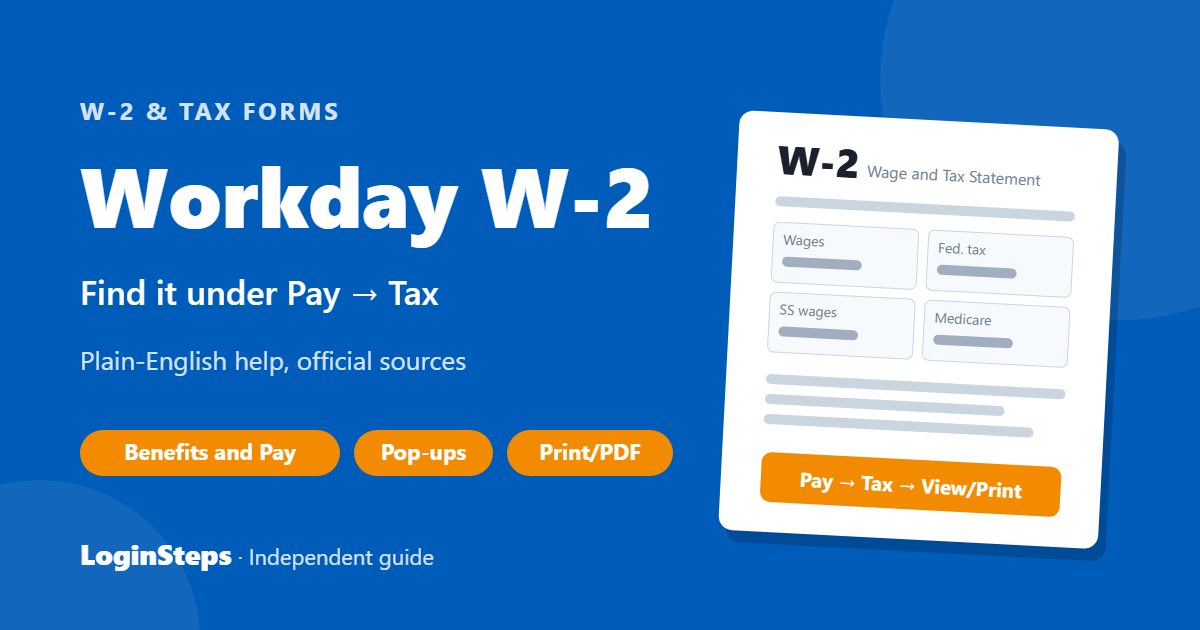
| Where | Benefits and Pay (or the Pay app) → Tax → View/Print |
| Also called | My Tax Documents |
| Tip | Allow pop-ups so the W-2 can open |
| Help | Your employer’s payroll or HR team |
How to View and Print Your W-2 in Workday

- Sign in to your company’s Workday. See our Workday login guide.
- Open the Benefits and Pay app (or Pay) from your home page or menu.
- Under Pay, select Tax. Some companies label this My Tax Documents. You can also type “My Tax Documents” in the Workday search bar.
- Find the tax year and click View/Print.
- If Workday says the W-2 is generating, wait a few seconds or choose Notify Me Later and open it from your notifications.
- Use the Print icon, or choose Save as PDF as the destination to download it.
W-2 Won’t Open?
- Allow pop-ups for your Workday site. Look for a pop-up blocked icon in the address bar.
- Try another browser, or the Workday app.
- Make sure you’re looking at the right tax year.
Former Employees
Some employers keep Workday access open after you leave, so try signing in first. If you can’t, contact your former employer’s payroll team. See W-2 from a former employer.
Frequently Asked Questions
Where is my W-2 in Workday?
Usually Benefits and Pay → Pay → Tax → View/Print, also called My Tax Documents. Search “My Tax Documents” if you can’t find it.
Can I get an electronic W-2 in Workday?
Many employers let you choose electronic delivery in Workday so you get it sooner. Look for a tax form or electronic consent option in the Pay area, or ask payroll.
Why are my Workday menus different?
Each employer sets up Workday differently. The Pay → Tax path is the most common.
Conclusion
Open Benefits and Pay → Pay → Tax (My Tax Documents), click View/Print, and save it as a PDF. Allow pop-ups if it won’t open.
Related: How to read your W-2 · W-2 deadline
LoginSteps is an independent guide, not a tax advisor. For advice about your own situation, talk to a tax professional or see IRS.gov. Read our disclaimer.