How to Get Your W-2 From Dayforce (Year End Forms Guide)
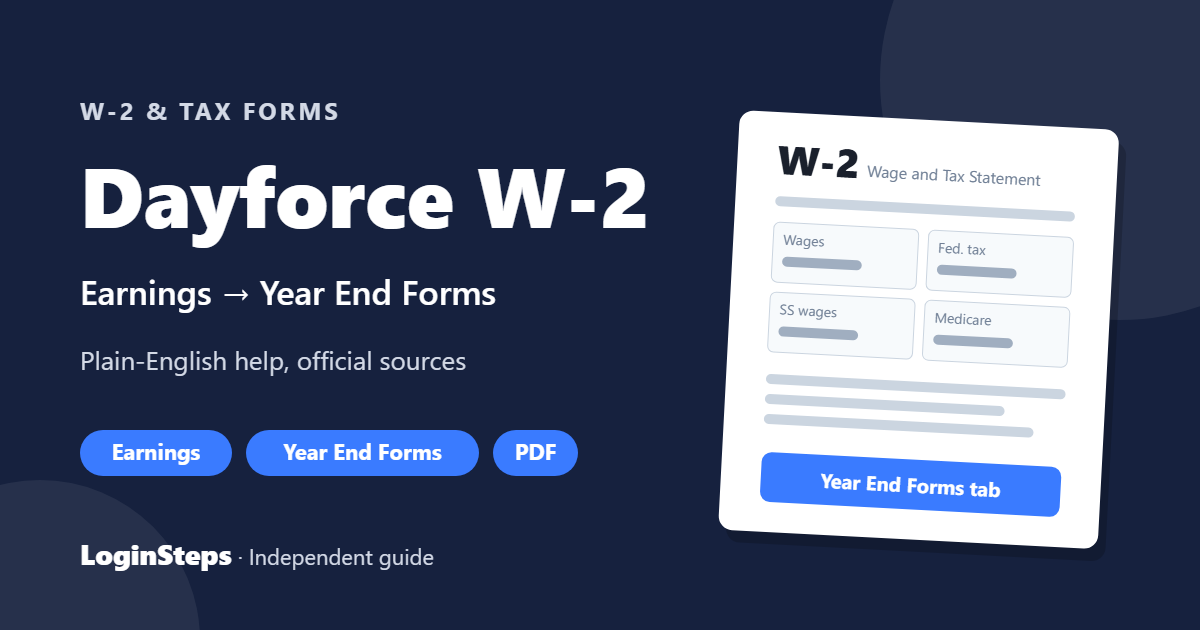
If your employer uses Dayforce, your W-2 is in the Earnings area on the Year End Forms tab. Here’s how to get it, based on Dayforce’s Employee Guide.
Dayforce W-2 – Quick Information
| Where | Earnings → Year End Forms tab |
| Forms there | W-2, 1099 (and T4 in Canada) |
| Past years | Dayforce recommends asking your employer’s HR or payroll team |
| Deadline | 2026 W-2s are due by February 1, 2027 |
How to Download Your W-2 in Dayforce

- Sign in to Dayforce with your company ID, username and password. See our Dayforce login guide.
- Open Earnings.
- Select the Year End Forms tab.
- Choose the tax year, then select your W-2.
- Review the form instructions if you need them, then print or generate a PDF.
Paper or Electronic?
Dayforce has a setting for how you receive year-end forms. Choosing electronic delivery usually gets you the W-2 sooner. Look for your year-end form delivery preferences in Dayforce, or ask HR.
Past-Year W-2s, Former Employees and Errors
- Past years: Dayforce says your employer’s HR or payroll department is the best source for current and past W-2s.
- Former employees: contact your former employer. See W-2 from a former employer.
- Wrong information: ask your employer for a corrected W-2 (W-2c).
Frequently Asked Questions
Where is my W-2 in Dayforce?
Earnings → Year End Forms tab → select the year → W-2.
Can Dayforce send me my W-2?
Dayforce directs employees to their employer’s HR or payroll team for W-2 help.
Can I get my W-2 in the Dayforce app?
Many employers enable year-end forms in the app’s Earnings area. If you don’t see it, use Dayforce on the web.
Conclusion
Open Earnings → Year End Forms in Dayforce to view, print or save your W-2. For past years or problems, contact your employer’s HR or payroll team.
Related: How to read your W-2 · W-2 deadline
LoginSteps is an independent guide, not a tax advisor. For advice about your own situation, talk to a tax professional or see IRS.gov. Read our disclaimer.